There’s No Strict Definition of a “Gaming PC”
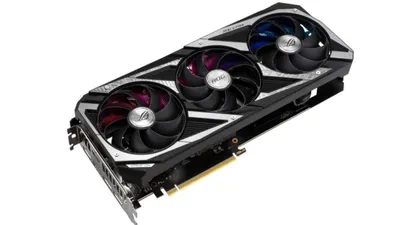
There are many PCs marketed as a “gaming PC,” but there’s no strict, universally agreed-upon definition. Since a PC with a discrete GPU (dGPU, external graphics card) is often called a gaming PC, any system with a dGPU—even an office PC or a slim laptop—could technically be described as a “gaming PC.”
Looking at desktop PCs, adding a dGPU card to a standard desktop can make it a “gaming PC,” so in the used market there are cases where sellers add an inexpensive newer dGPU to an older workstation PC and advertise it as a “latest gaming PC.”
Major Gaming Brands Offer Many Gaming-Focused Features
Each PC maker’s gaming sub-brand typically includes a rich set of gaming-focused features.
Major gaming brands from common PC manufacturers include:
| Manufacturer | Brand |
|---|---|
| Dell | ALIENWARE, Dell G |
| Lenovo | Legion |
| HP | Omen |
| ASUS | ROG |
Rather than being “just a PC with a dGPU,” these systems often include gaming-oriented displays, gaming keyboards, distinctive chassis designs, advanced cooling, and other features designed for gaming.
For those new to gaming PCs, choosing a “manufacturer gaming brand PC” can make it possible to play comfortably without overthinking the details.
If Experienced with Custom Builds, Building Can Be Cheaper
Brand-name gaming PCs from major manufacturers tend to be expensive.
If a gaming laptop is needed—where building is difficult—then a prebuilt from a manufacturer is essentially the only option. But if looking for a gaming desktop PC, building a custom PC can sometimes offer significantly better value.
Here’s a comparison using Dell’s gaming desktop “ALIENWARE AURORA Supreme.”
| Part | Details | Custom build | ALIENWARE AURORA |
|---|---|---|---|
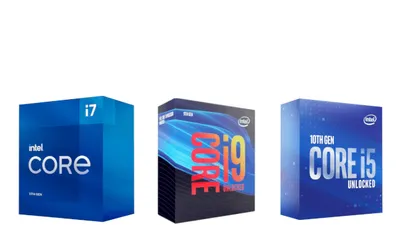
| CPU | Intel Core i9 10900KF | about $650 | - |
| Motherboard | LGA1200 | about $93 | - |
| Memory | DDR4 PC4-23400 16GB | about $74 | - |
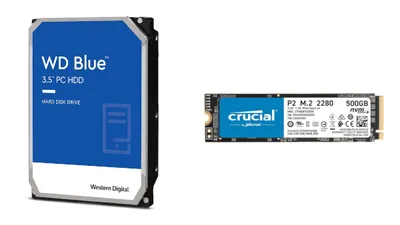
| Storage | 3.5-inch HDD 2TB | about $56 | - |
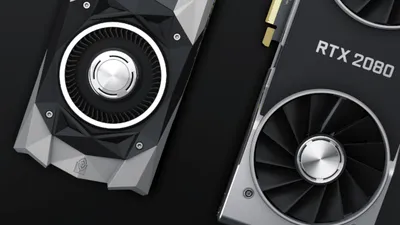
| Video card | GeForce RTX 2080Ti | about $1,301 | - |
| Power supply | 850 W | about $139 | - |
| AIO liquid cooler | - | about $93 | - |
| Case | - | about $93 | - |
| OS | Windows 10 Home | about $139 | - |
| Total | - | about $2,508 | about $3,065 |
This shows a custom build can be about 20% cheaper.
That said, Dell can sometimes be up to about 20% cheaper with coupons, and there are also brands like Lenovo and Mouse Computer that sell gaming PCs at aggressive prices—so it’s not always fair to say manufacturer gaming PCs are overpriced. In particular, when next-generation CPUs are announced, manufacturers may discount older models, so depending on timing, a prebuilt can sometimes be cheaper.
It’s best to decide based on real-world sale prices and the budget.
With a custom PC, upgrading parts is easier
A major benefit of a custom PC is that it’s easy to replace parts individually.
Components like memory, storage, the PSU, the case, and liquid-cooling parts can often be reused, and replacing the motherboard is typically easier than with many prebuilt systems.
Also, since custom PC parts are standardized, older components can be sold through retailers that buy used hardware or via auction/flea market platforms, making it possible to upgrade by paying only the difference between “new parts cost − old parts resale value.”
Some prebuilt desktops allow part upgrades, but many use proprietary components (such as the PSU or motherboard), which makes them less suitable for resale through auctions or flea markets.
The differences between desktop PCs and gaming PCs, and a cost-performance comparison versus custom PCs, have been covered.
While any PC with a dGPU can be called a gaming PC, there are so many types that simple category comparisons don’t tell the full story. Since it’s often an expensive purchase, it’s worth carefully evaluating overall value—including the option of building a custom PC—before buying.